
VPEdits Studio
Your videos, edited in your own style.
VPEdits turns your talking videos into ready-to-finish CapCut drafts: cuts, captions, chapter cards, B-roll, Shorts, thumbnails and YouTube SEO. Start from a look you love, and approve every step.
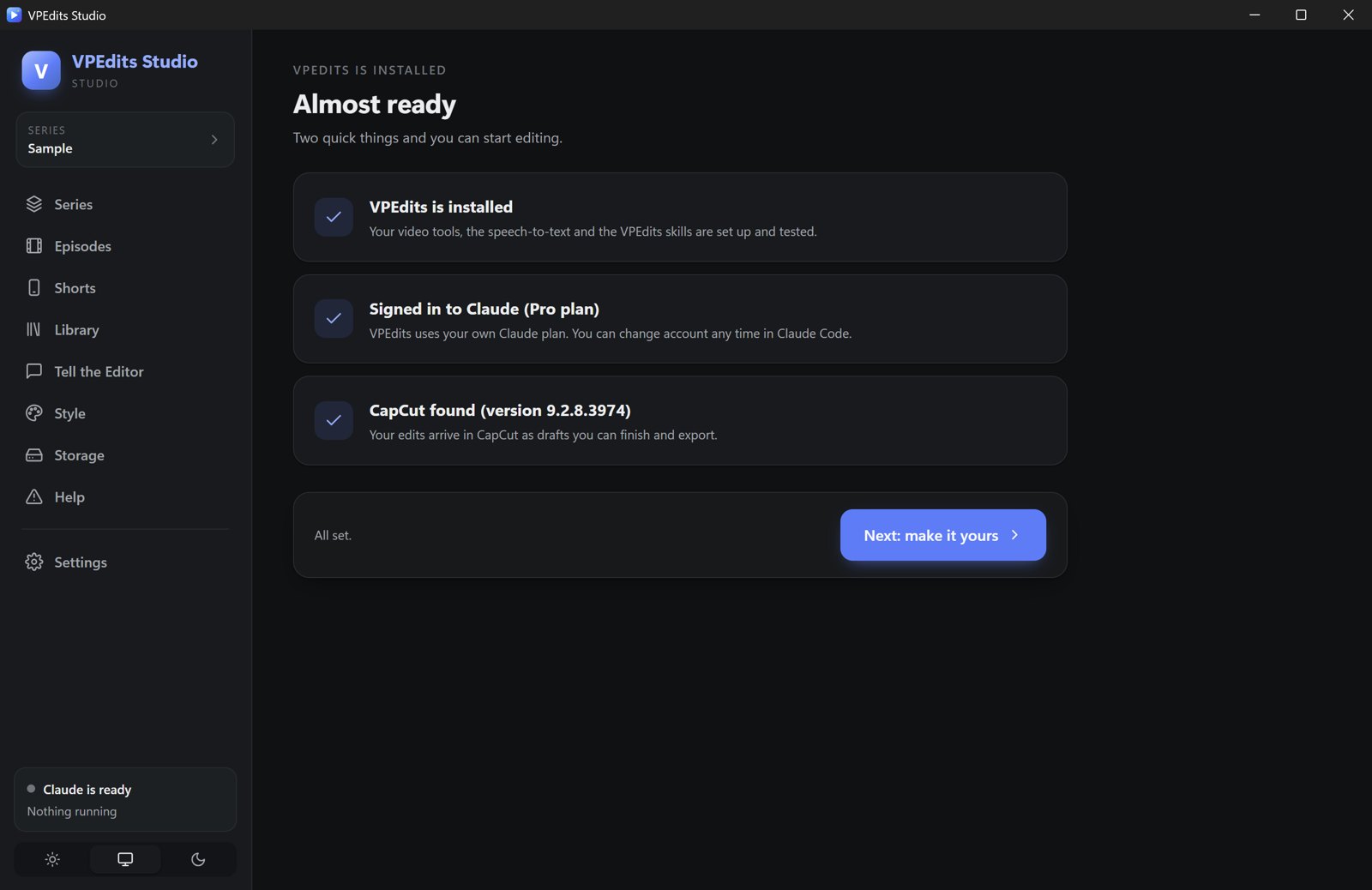
Everything between filming and posting.
Made by a creator, for creators who talk to camera: vlogs, stories, faith, lifestyle, teaching.
Edits in your style
Cuts retakes, fillers and long pauses, fixes the light, adds your captions, chapter cards and B-roll, then builds a CapCut draft you finish yourself, or makes the finished video for you with HyperFrames (no CapCut needed).
You approve everything
Nothing is built until you say yes. You see the plan, the cuts and the hooks first, in plain words.
Pick your look, fonts included
Start from six video styles made from real edits. Each comes with its fonts, captions, colours and sound, and all of it stays yours to change.
Shorts that show what you say
Your best moments as vertical drafts: words light up as you speak, big titles behind you, and a visual for every idea, right on the word. Captions for TikTok, Reels and Shorts included.
Thumbnails to choose from
3 or 6 options at a time in different styles, from your best real frames or your own photos. Every option is kept, each with a Canva kit to fine-tune it. Your face is never changed.
YouTube SEO done for you
Titles and keywords from what people really search, a description in your voice, timestamps from your final edit, tags, hashtags, and your own links and socials added every time.
See exactly how far along it is
Claude works quietly in the background with a progress window, like an export, so you always know where it's at. On Claude Max, turn up the model and effort for the very best results.
Your brand, remembered
Your colours, fonts, captions and voice live in one style file. Tell the editor something once and it remembers it for every video.
Windows, Mac and Chromebook (beta)
One purchase, every system, on 2 of your computers. Updates included.
Pick your look. Fonts included.
Six video styles to start from, each a complete look: fonts, captions, colours, sound and the way your videos are edited. Add your logo and your colours take over.

Calm & Cinematic
Warm, polished vlogs that breathe.
Best for: Lifestyle, travel, day-in-my-life
Fonts: Playfair Display + Nunito
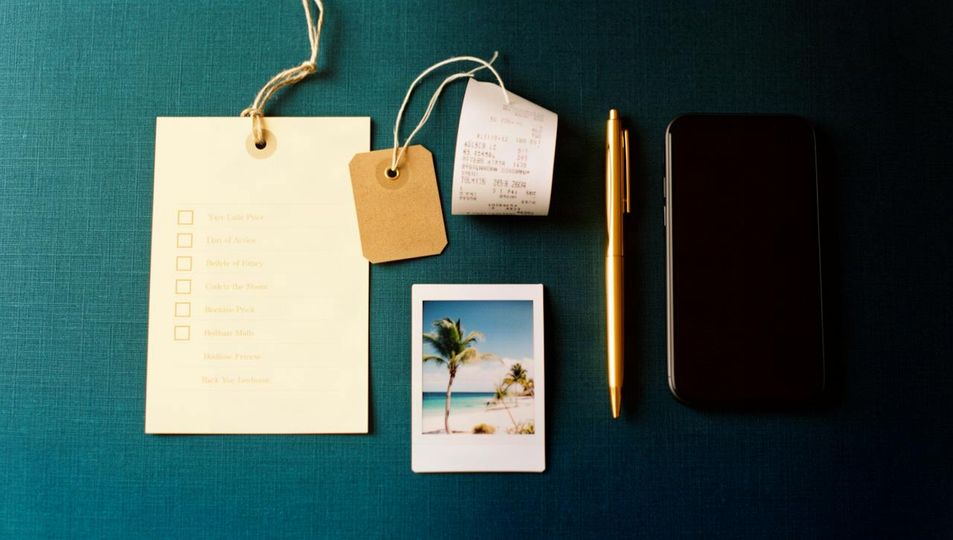
Editorial Shorts
Say it, see it: every idea gets a visual.
Best for: TikTok, Reels, Shorts
Fonts: Anton + Playfair Display

Bold & Punchy
Big words, big energy, fun markers.
Best for: Weekly vlogs, hauls, storytimes
Fonts: Anton + Montserrat

Faith & Reflection
Calm, premium and full of light.
Best for: Devotionals, journaling, testimonies
Fonts: Playfair Display + Nunito

Clear Explainer
Steps, lists and arrows that teach.
Best for: Tutorials, advice, money tips
Fonts: Montserrat + Nunito
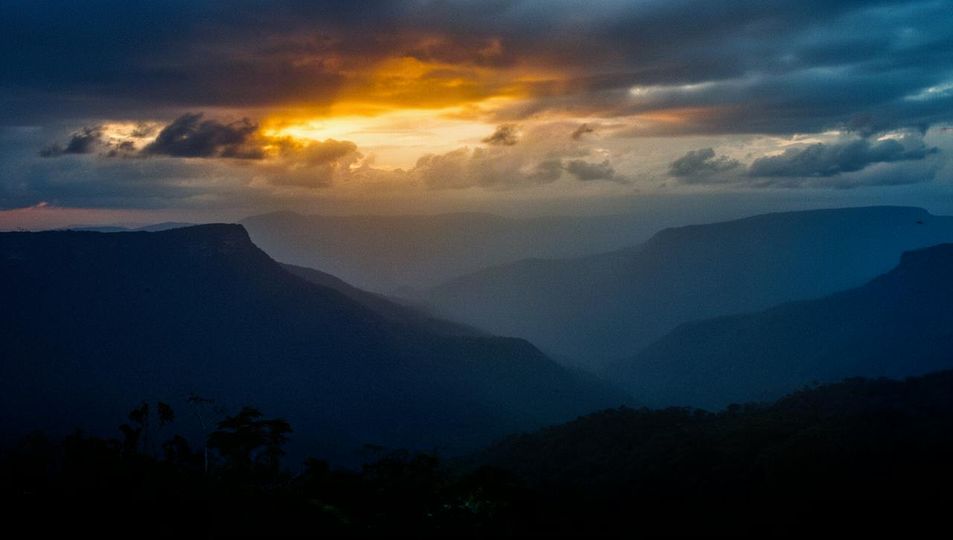
Cinematic Trailer
Movie-style teasers and announcements.
Best for: Intros, launches, series trailers
Fonts: Abril Fatface + Montserrat
How it works
Buy and download
One payment. You get your download link and license key straight away, by email too.
Click Install
Everything sets itself up on its own, with one progress bar. When it's done, VPEdits opens.
Pick your look
Sign in with your Claude plan, choose one of six looks (fonts included), then add your logo, colours and voice.
Edit your first video
Drop in your video and script. Approve the plan. Your CapCut draft is ready.
What you need
- A Windows 10 or 11 PC (64-bit), or a Mac with macOS 13 or newer (Apple Silicon M1 or newer recommended), or a Chromebook (beta) with Linux turned on, about 30 GB for Linux and your videos in a folder shared with Linux; an Intel or AMD Chromebook with 8 GB memory is recommended; 8 GB memory or more recommended, about 5 GB free space
- CapCut desktop (free, from capcut.com), or VPEdits' built-in HyperFrames finish: no CapCut needed (Windows now; Mac and Chromebook as they're released)
- Your own Claude Pro or Max plan from Anthropic (sold separately; VPEdits runs on it)
- An internet connection
VPEdits is not made by Anthropic or CapCut. Claude is a product of Anthropic; your Claude plan is billed by Anthropic, not by us.
Payment by Stripe. Your card details go straight to Stripe, never to us. By buying you agree to the VPEdits Licence Agreement, our Terms and Privacy Policy.
Already bought? Get your download link again